Main Menu
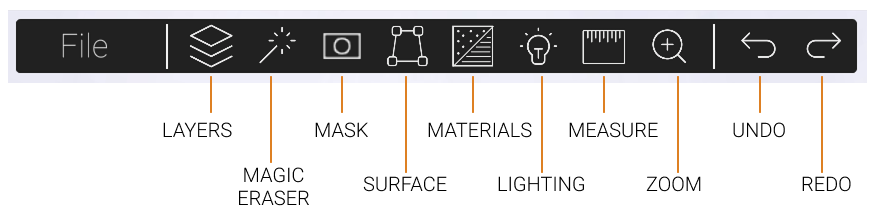
Layers
Open the Layers menu to manage and view all the objects currently added to your image.
Magic Eraser
Open the Magic Eraser menu to remove objects from your background image.
Mask
Open the Mask menu to bring objects in your background image to the foreground.
Surface
Create a new Surface in your image.
Materials
Open the Materials menu to change the material of any surface you create.
Lighting
Open the Lighting menu to add shadows to your image.
Measure
Use the Measure tool to add and display measurements in your design.
Zoom
Open the Zoom menu to work on details more precisely.
Undo
Step back one action.
Redo
Step forward again after undoing.
Menu Features
Moveable Menus
All menus can be moved for better access to areas your image. Click and drag to move menus around your screen.
Re-Dock Menus
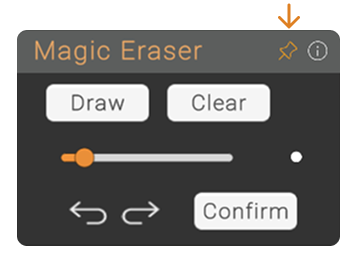
Click the Pin icon to return a menu to its original docked position.
Help and Information
Click the "i" icon to visit the Help page, which includes step-by-step guide on using BetaStreets' features. (You Are Here 😊)